Coding apps reviewed: 6 apps for learning programming

I looked at six coding apps, and they target very different people. DataCamp pushes you towards data analysis, Brilliant towards mathematics and computer science basics. Honestly, none of these apps alone will make you a developer. But they teach you the basics properly.

The apps I compared

Brilliant App Icon

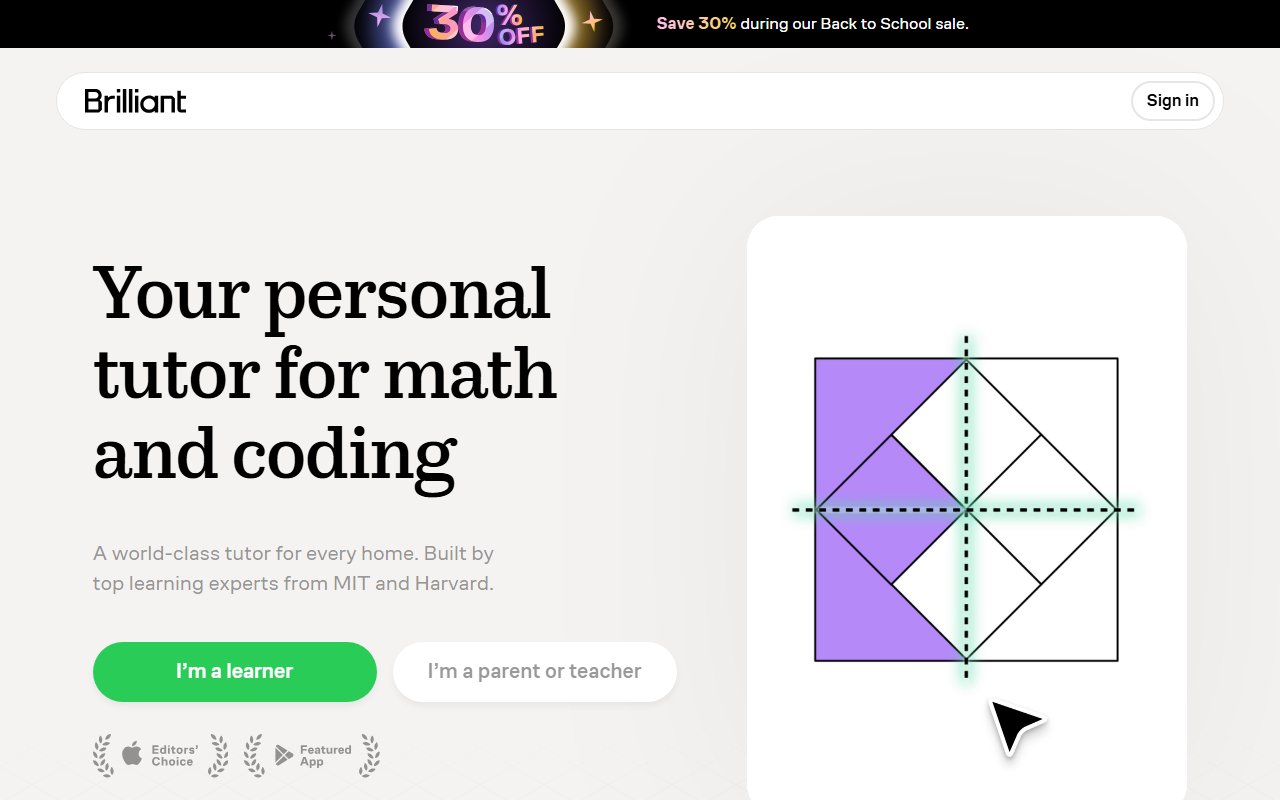
Brilliant

Brilliant is like Duolingo for logic and programming: an interactive learning app for math, computer science, Python, and data analysis.

Codecademy Logo

Codecademy

Codecademy is a platform where you can learn programming in interactive online courses. It offers courses for beginners and advanced learners in languages like Python, JavaScript or SQL and …

Data Camp Logo

DataCamp

The DataCamp app gives you a flexible way to learn topics like data science and AI on the go. With interactive courses in Python, SQL, and R, you can run real code directly on your …

Mimo App screenshot

Mimo

You want to learn programming, but you don't have time for long courses? The Mimo App could be the solution.

Programming Hub Logo

Programming Hub

Programming Hub is a mobile learning app specifically designed to teach programming skills easily and flexibly.

Sololearn App Screenshot

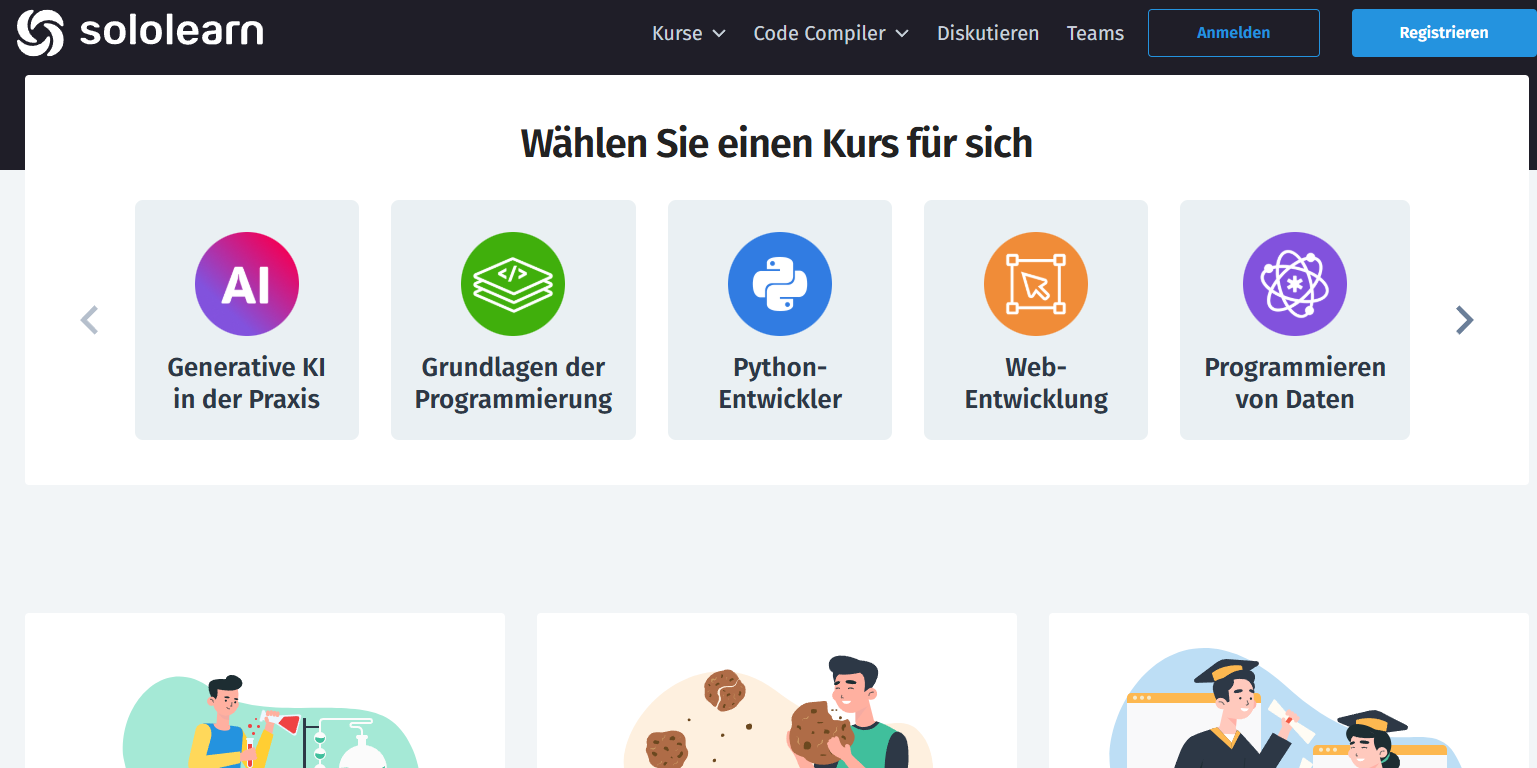
Sololearn

The Sololearn app offers you an interactive introduction to programming – whether you are a beginner or advanced.

DataCamp

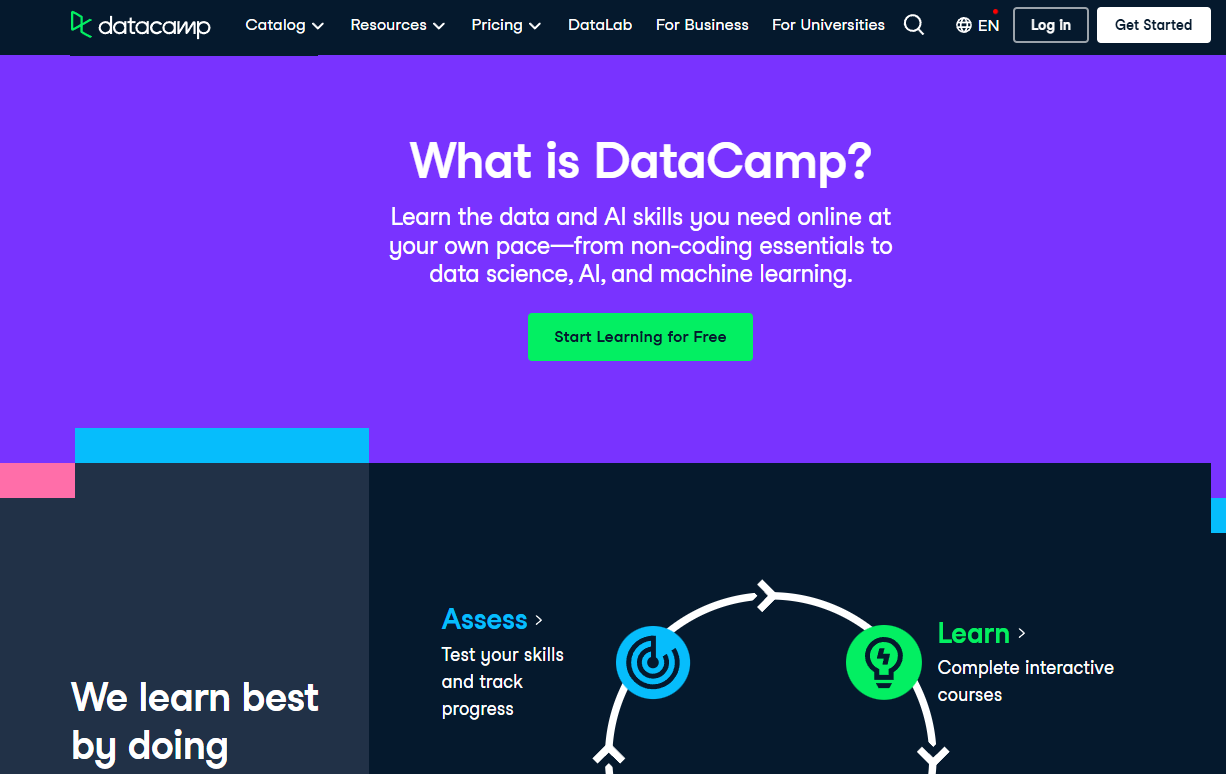
DataCamp website review

A lesson on DataCamp rarely lasts longer than ten minutes. You get a short video, followed immediately by an exercise. The exercise is half-finished in the editor, you fill in the blanks. That's exactly what I like about the concept. You never sit there just watching for twenty minutes. The progress bar at the top fills up, which is more motivating than expected. After four exercises, a chapter is complete.

What surprised me at first: The error messages are friendly. If your code doesn't run, the system explains the reason to you. You can get hints step by step, first a tip, then the solution. If that's not enough, you ask the AI tutor. It answers in full sentences and adapts to your pace. In my case, it clarified a wrong data type in two sentences.

In everyday use, there are two sticking points. First, you need internet, because the exercises run on the server. Downloads are barely possible; only individual videos work offline. On your phone on the train, that quickly becomes annoying. Second, there is no forum. If you get stuck, there is no community to catch you. You are dependent on the AI and the hints.

Language-wise, almost everything is in English. Subtitles are available in German, but they are generated by an AI. For terms like „data frame“, that doesn't matter. For longer explanations, it reads awkwardly. The platform navigation remains in English anyway. If your English is shaky, allow a bit more time.

What DataCamp costs in everyday use

DataCamp doesn't make it easy for you on pricing. On the German site, Premium is listed at 14 € per month. The catch is written small next to it: annual billing. If you pay monthly, it's 27 €. That's almost double. For teams, the same rate applies per person, Enterprise is available on request.

The first chapter of each course remains free for you, plus a career profile and the job board. That's fine for a taste. It's not enough for learning. The new AI tutor courses run on credits, Premium includes some. Anyone who uses a lot of them buys more. In my opinion, the annual subscription is only worth it if you really stick with it.

DataCamp prices overview:

  • Basic: 0 €, first chapter of each course
  • Premium: 14 € per month with annual payment
  • Premium monthly: 27 € per month
  • Teams: 14 € per person per month
  • Enterprise: price on request

Mimo

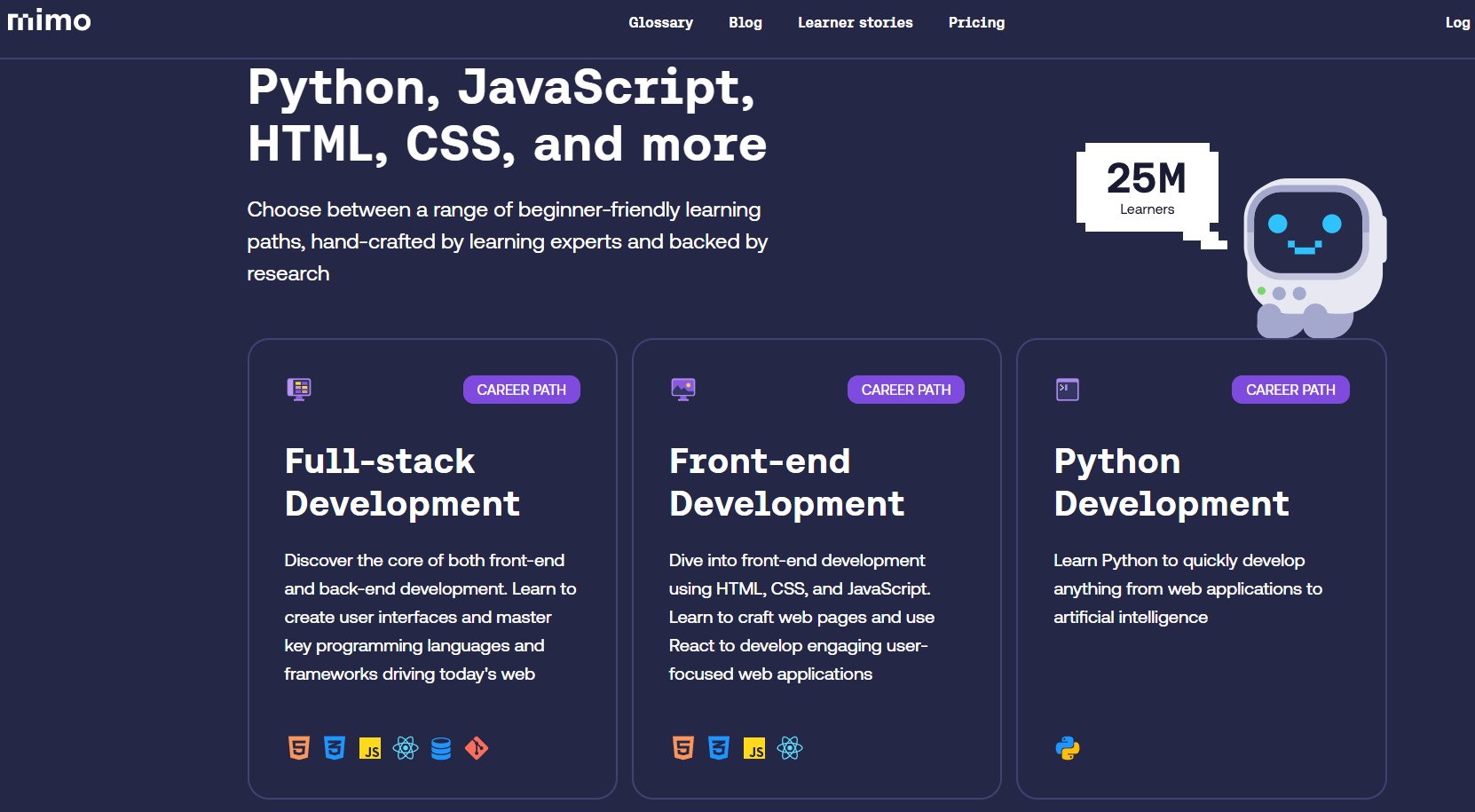
Mimo Website Review

A Mimo lesson feels like a quiz with code. You read a short explanation, then sort blocks or type a line yourself. Wrong answers cost keys. If the keys are empty, you wait or watch an ad. Each correct answer gives XP, each learning day extends your streak. I find this principle motivating and annoying at the same time.

It gets really good in the Build area. There you create your own projects and run them directly on your phone. The AI coding tutor sits next to you and explains errors in understandable German. But that's exactly where the fun ends quickly in the free plan. The tutor is limited, and on the computer you only get two demo chapters.

In everyday use, there's another snag. Typing real code on a phone screen is tedious. Mimo knows that and only unlocks web access from Pro onwards. Anyone who wants to learn seriously ends up on a laptop eventually. Until then, streaks, leagues, and leaderboards keep you entertained. Once a month, Mimo repairs a broken streak for free, but only with a subscription.

My impression after a few weeks: Mimo guides you cleanly through the basics. Content-wise, the app covers Python, JavaScript, TypeScript, HTML, CSS, and SQL. That's not enough for a first job in coding yet. That's exactly why Mimo sells the Max plan with live sessions, guided projects, and professional certificates. You can read my detailed assessment in the Mimo Review.

What Mimo costs you per month

Mimo Basic remains free, and permanently at that. You learn on your phone, see ads, and use the AI tutor only to a limited extent. On the computer, two demo chapters are available. Mimo Pro costs €9.99 per month in the German App Store. The annual subscription is €79.99, which is approx. €6.67 per month. This removes ads and the key limit, and adds web access. Mimo Max is the expensive tier. The website lists $39.99 per month or $24.99 per month with annual billing. You can cancel where you subscribed. Honestly, Max is only worth it if you want to switch careers professionally.

Here's how the plans are structured:

  • Basic free, mobile only and with ads
  • Pro for 9,99 € per month
  • Pro annual subscription for 79,99 €
  • Max with full AI tutor and live sessions

Sololearn

Sololearn Website Test

A Sololearn lesson is shorter than an Instagram Story. You read two sentences, see a code example, and answer a question. Then comes the next bite. The explanations are kept simple, without jargon. On your way to work, you can easily complete three units. That's exactly where the strength lies, and exactly where the limit lies.

Mistakes cost you hearts. You start with a small number of them, and every wrong answer deducts one. If they're empty, you wait five hours or pay with Bits. You collect Bits through streaks and activity. I found it playful at first, after a week more patronizing. Anyone who wants to get through difficult chapters quickly hits a wall here.

The AI tutor Kodie takes some of that away. You type your question into the lesson and get an explanation. Kodie answers directly in the learning flow, you don't have to click anything away. That works well for syntax errors and decently for logical errors. For deeper questions, I still go to the community feed. There are many helpful people there, but also a lot of spam.

The compiler is the underestimated feature. You type a small Python script into your phone and press start. That's not enough for a real project. But it's enough for trying out an idea in the waiting room. You can directly open and modify code from the feed. That taught me more than some lessons. After about three months, I still felt like I had seen everything important.

What Sololearn costs in everyday use

Sololearn is the cheapest app in this round. For free you get all basic courses, the compiler, and the community. You pay with ads and limited hearts. Pro clears both away and unlocks practice material and progress analysis. In the German App Store, Pro is available for 13,49 € per month or 77,99 € per year.

One level higher is Max for 129,99 €. With it you get the AI courses on prompt engineering and data analysis. I consider Max only useful if you are interested in exactly this topic. For pure programming learning, Pro is sufficient. The prices change frequently because Sololearn likes to work with discounts.

Sololearn prices overview:

  • Free: all basic courses with ads and hearts
  • Pro monthly: 13,49 € in the German App Store
  • Pro annually: 77,99 € in the German App Store
  • Max with AI courses: 129,99 €

Codecademy

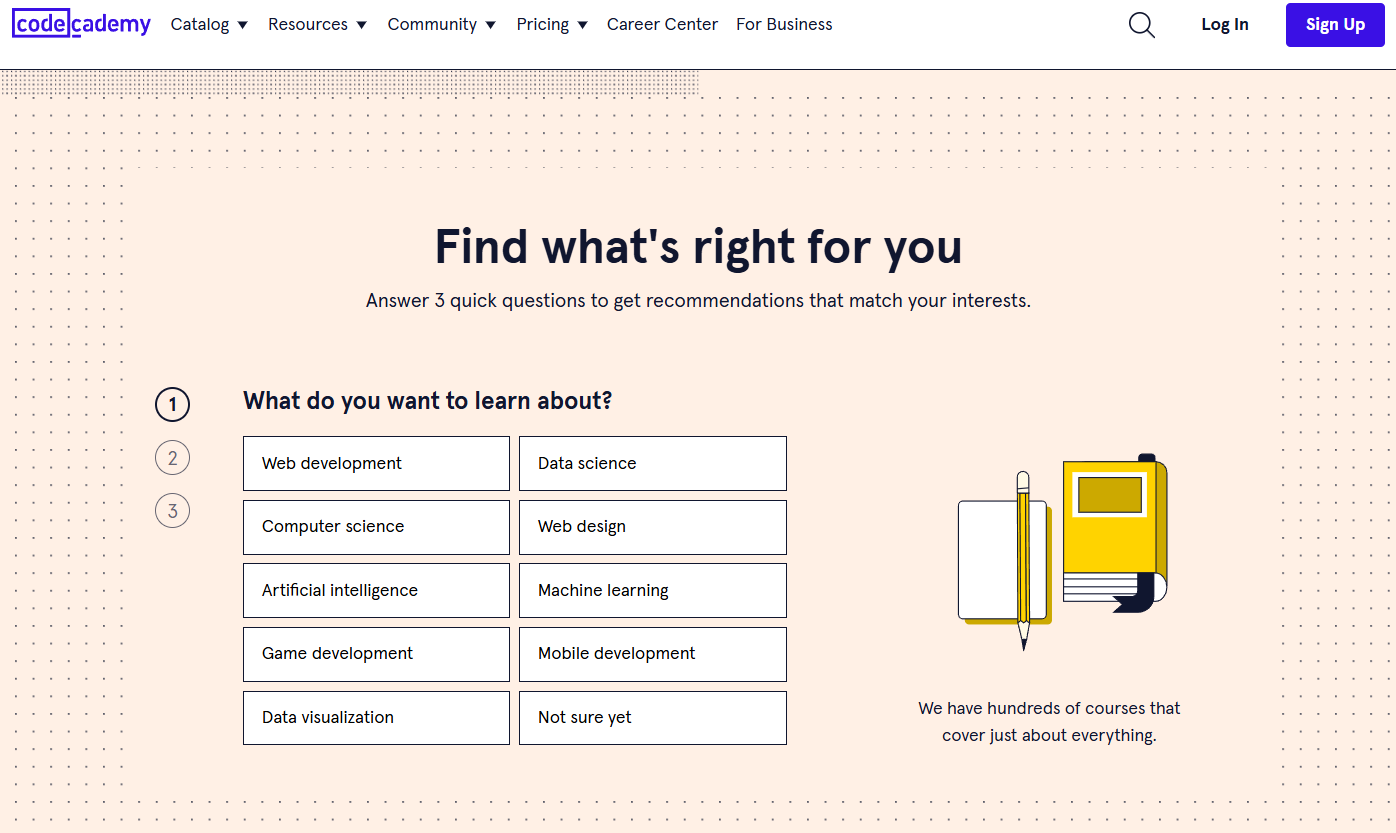
Codecademy Website Review

An exercise on Codecademy feels like a guided dictation. On the left side are the instructions, step one to four. On the right is the editor, below the terminal. You complete step one, check it off, and are allowed to continue. The system reports errors immediately, often while you're still typing. This is convenient and protects beginners from the blank page.

But here lies the trap. After three courses, I had the feeling of working through instructions rather than thinking for myself. The projects at the end of a path catch up on that. There you get a task and an empty repository. The jump from the guided course to your own project is still huge. However, without a subscription, you cannot access these projects.

The AI assistant is the biggest change in recent years. You highlight a line and ask why it isn't working. The answer comes in understandable English and usually hits the mark. Free users have five questions per day, after which a timer counts down 24 hours. From my experience, five questions are quickly used up on a bad evening. After that, you're sitting alone again in front of your red terminal.

What bothers me in everyday use is the language. Courses, app, and assistant speak English. Technical terms are no problem, longer explanatory texts are. The Codecademy Go app is suitable for reviewing with flashcards. I wouldn't work through entire chapters on my phone. Learning on a computer is much more fun.

What Codecademy costs in everyday use

Codecademy now has four tiers, and that's confusing. Basic costs nothing. Plus is 14,99 € per month, Pro is 17,99 €. Both prices only apply with an annual subscription. If you book monthly, you pay 29,99 € or 35,99 €. At the top is All Access for 45,99 € per month, also annually.

In the App Store, you see the same subscriptions as annual packages. Plus costs 178,99 € there, Pro 214,99 €. I find the range steep, especially because Basic offers so little. Without a subscription, you get introductory courses, cheatsheets, and five AI questions per day. Certificates, projects, and career paths remain locked.

Codecademy prices overview:

  • Basic: 0 €, five AI questions per day
  • Plus: 14,99 € monthly in annual subscription
  • Pro: 17,99 € monthly in annual subscription
  • Monthly payment: 29,99 € or 35,99 €
  • All Access: 45,99 € per month

Programming Hub

Programming Hub Logo

When you first open it, Programming Hub looks pleasingly tidy. You choose a language, work through short chapters, and answer test questions. In between, you land in the Coding Playground and run your own code. The compiler is really fast and supports over 35 languages. A chapter consists of explanatory text, an illustration, and a handful of questions. After ten minutes you have completed a topic.

Then comes the downer. The lessons are in English, and the German store texts read as if machine-translated. On Google Play the app is actually called "Programmier-Hub: Code lernen". Such details reveal a lot about its maintenance. The content is broad but shallow. It's sufficient for the basics, but not for a job interview. Assembly 8086 and VB.net still appear in the course list. Who would voluntarily learn that in 2026?

In everyday use, the ads bother me. Google Play lists the app as ad-supported, and users complain about constant prompts for the Pro membership. Certificates are only available after purchase. On Trustpilot, that exact point is a common criticism. There, the app only achieves 2.5 out of 5 stars from 42 reviews.

One plus point remains the library. Over 5000 ready-made code examples are a great reference work when you've forgotten a syntax. So as a cheat sheet in your pocket, the app is definitely useful. As a sole learning path, it is not, in my opinion. At least it stays slim at 128 megabytes and starts quickly. All details are in my Programming Hub Review.

What Programming Hub really costs

The price list is a bit of a mess. In the German App Store, Apple lists ten different in-app purchases. The one-month coding pass costs €9.99. For one year, several variants appear, from €19.99 to €24.49 to €30.99. Which one you see depends on the current discount promotion. Lifetime access is €49.99, a lifetime upgrade is €19.99. At the top is a package of course and certificate for €149.99. Certificates are tied to the Pro membership. I would wait for lifetime access, preferably on sale. Before buying, check which offer the app is currently showing you. A monthly subscription is hardly worth it here.

You can find these prices in the App Store:

  • One-month coding pass for 9,99 €
  • Annual access depending on promotion 19,99 to 30,99 €
  • Lifetime access for 49,99 €
  • Course plus certificate for 149,99 €

Brilliant

Brilliant Website Review

Where DataCamp throws you directly into real code, Brilliant is more extensive. Before you even get to a programming language, you often first train the underlying logical thinking, with puzzles, diagrams, and small interactive simulations. It takes longer to get to your first line of code, but builds an understanding that pure tutorial typing rarely achieves.

The Python courses themselves are well-structured and build on each other, including tasks on data structures and simple algorithms. For complete coding beginners with reasonable English, this is a very solid foundation; I just don't think the detour through pure logic preparation is necessary for everyone. If you already know you want Python, you'll get to the goal faster with Mimo or Codecademy.

The price remains the biggest drawback. 18.99 € per month or an annual subscription that varies between approx. 96 € and 120 € depending on the promotion is a lot to ask for a single app. You should definitely use the seven-day trial access before you commit.

What Brilliant Premium costs

Brilliant itself is free to download, you can work through the first lessons of each course without a subscription. For full access, Premium in the German App Store costs at least €18.99 per month. For the annual subscription, I've seen prices between €95.99 and €119.99 depending on the promotional period, which works out to approx. €8 to €10 per month. A seven-day trial access lets you try out beforehand whether the learning method suits you at all.

Brilliant price overview:

  • Free: first lessons of each course, 7-day premium trial
  • Premium monthly subscription: from 18,99 €
  • Premium annual subscription: from 95,99 € depending on promotion
  • Payment via the German App Store or Google Play

Who a coding app is worth it for

Coding apps have one superpower: they lower the entry barrier to zero. You don't need a development environment or a free afternoon. You type code directly into your phone and immediately see if it works. In my experience, that's gold for the first few weeks.

If you want to find out whether programming is even for you, an app is the cheapest test. But if you already know a language and want to go deeper, you'll quickly get impatient. Then you need your own projects instead of more lessons.

I notice a pattern with almost all apps. They explain syntax excellently and architecture hardly at all. You learn what a loop looks like. You don't learn when you even need one. You only fill that gap with your own projects.

Phone or laptop: where you actually program

The six apps differ clearly here. Mimo and Programming Hub are built for the phone, with lessons of a few minutes. DataCamp and Codecademy are actually web platforms with an app on the side. Sololearn sits in between and scores with its community. Brilliant works equally well on phone and browser.

My honest opinion on this: On your phone you learn the vocabulary of programming. Syntax, keywords, and logic in small bites. You write real code on your laptop, with an editor and terminal. So use the app for your commute, not as your only learning source.

One practical tip: Almost nothing works offline with these apps. DataCamp at least lets you download individual video courses, the rest need a connection. So on a train through the Eifel, you're out of luck.

Prices of the six apps at a glance

Prices vary widely here. I checked everything in August 2026, Brilliant was added in September 2026. Between the cheapest and the most expensive option there's roughly a factor of six.

AppPrice per year (as of August 2026)Free version
Programming Hub€49.95, lifetime access €49.99selected courses with ads
Sololearn€77.99standard lessons with ads
MimoPro €79.99, Max €299.88courses without certificates
CodecademyPlus €179.88, Pro €215.88basic courses in browser
DataCampapprox. €318 at €27/monthevery first chapter
Brilliantfrom €95.99/year, €18.99/monthfirst lessons of each course

Programming Hub stands out to me here. Lifetime access costs almost the same as a single year. If you like the app, that's a really good deal.

DataCamp and Codecademy, on the other hand, are outliers. Both target a career change and price accordingly. If you just want to try it out, you're better off starting with Sololearn or Programming Hub.

What certificates from coding apps bring on the job market

Short answer: less than the ads promise. Codecademy's certificates are not accredited. In a resume, they belong under skills, not education. The same goes for Mimo, Sololearn, and Programming Hub.

They're not completely worthless either. The German IT job market remains tight. According to Bitkom, around 79,000 IT positions were unfilled in 2026. 78 percent of companies still report a shortage of IT professionals. In such a market, a certificate shows that you have trained yourself on your own initiative. It opens the door a crack, but no more.

One limitation must be mentioned. Compared to 2023, these numbers have dropped sharply; back then Bitkom counted 149,000 open positions. So entry has become noticeably harder, especially for juniors.

Why your portfolio is more important than any certificate

The Stack Overflow Developer Survey 2025 surveyed about 49,000 developers. Only 32.7 percent used online courses for learning in the previous year. Technical documentation was clearly ahead at 67.8 percent, videos at 50 percent.

For you this means: the app is the beginning, not the goal. Build your own small projects early, even ugly ones. A calculator, a weather query, a list of your favorite movies. Upload them to GitHub. A single working project says more than five course completions.

AI tutors in coding apps: help or mental blocker

Now almost every app has built-in AI help, only Brilliant still relies on classic feedback without chat AI. With Mimo, the AI Coding Tutor is in the expensive Max subscription. Sololearn and Codecademy put their AI assistants in the premium tiers. DataCamp gives you AI-powered feedback on your code.

I like using these helpers, but with a firm rule. First search on your own for ten minutes, then ask. If you immediately show yourself the solution, you practice clicking instead of thinking. It's precisely the frustration of searching that makes you a developer.

My roadmap for the first three months

Month one belongs to a single language, preferably Python or JavaScript. Use the free version and learn fifteen minutes a day. Only when you've stuck with it for four weeks should you pay for a subscription. Don't spend too long choosing a language. Python and JavaScript are both good starting points; the concepts behind them are very similar.

In month two, you build your first own project, alongside the app. In month three, you switch to the laptop and learn Git. That sounds unspectacular, but it works reliably. In my opinion, most people don't fail because of talent. They fail at the transition from app to real code.

I am Tim, 26 years old, and I write about online courses and continuing education. My goal is simple: you find the course that really fits you.

Tim GeierWritten by Tim Geier. More about the author.